Quick Answer
Modern software engineering relies heavily on creating safe, predictable spaces to test untrusted code, run complex integrations, and execute builds without risking production stability. As systems grow more distributed, the reliance on secure isolation has shifted from heavy virtualization toward lightweight containerization. Utilizing a docker setup allows development teams to build reproducible workflows that execute in total confinement from the host system.
Introduction to Sandbox Environments and Docker
A sandbox environment is an isolated computing space that separates running programs from the underlying operating system and other local resources. In modern software development and DevOps security pipelines, these isolated zones are crucial for testing patches, executing untrusted third-party dependencies, and running continuous integration tasks safely. Without proper containment, a single flawed package can compromise host infrastructure, leak environment variables, or corrupt critical system states.
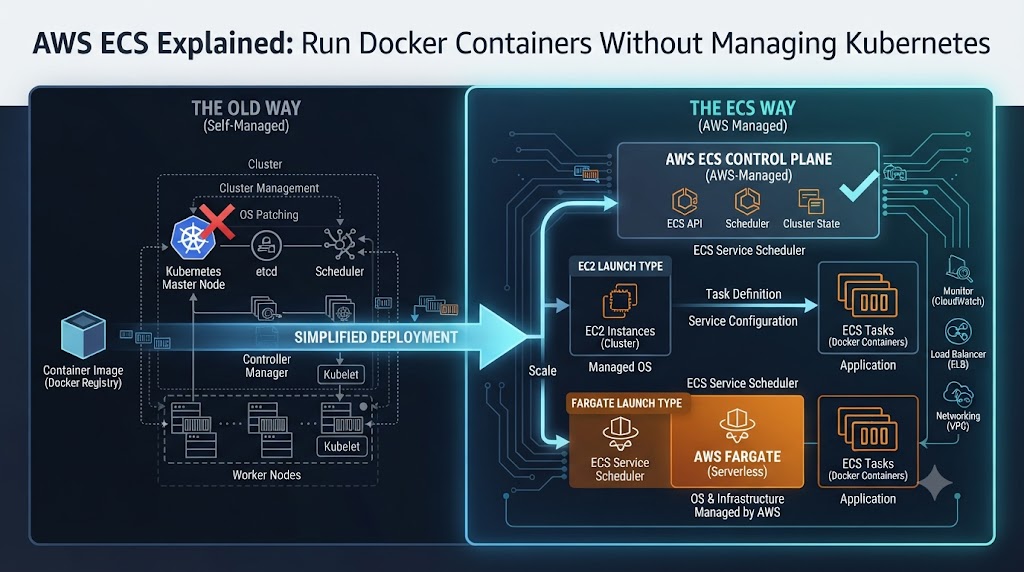
Traditionally, developers relied on heavy Virtual Machines to achieve this level of isolation. However, VMs carry substantial overhead in terms of boot time, memory consumption, and storage footprints. This is where modern containerization tooling enters the picture. By leveraging underlying kernel-level features, developers can spin up temporary execution spaces in fractions of a second.
[!NOTE] Architectural Note: Docker containers do not emulate an entire hardware stack like traditional hypervisors. Instead, they share the host kernel while enforcing strict boundaries through namespaces and cgroups.
Key Benefits of Sandbox Environments
Adopting isolated execution spaces brings profound advantages across the entire software development lifecycle. Organizations that implement robust container security and sandbox workflows consistently report higher deployment confidence and fewer security incidents.
The six primary benefits of utilizing sandbox environments include:
- Complete Security Isolation: Malicious scripts or compromised dependencies execute within a strict perimeter, unable to reach the host filesystem or other services.
- Controlled Resource Access: CPU, memory, and I/O limits prevent runaway scripts or denial-of-service conditions during intensive test suites.
- Safe Execution of Untrusted Code: Developers can safely inspect and run third-party libraries, open-source plugins, or legacy code snippets without risking core infrastructure.
- Environmental Reproducibility: Tests run identically on a developer laptop, a staging server, and a cloud-based CI/CD runner.
- Streamlined Secrets Credential Handling: Sensitive API keys and tokens can be injected securely without leaving persistent traces in image layers.
- Rapid Ephemeral Lifecycles: Sandboxes can be instantly provisioned, executed, torn down, and wiped clean after every build.
[!TIP] Pro Tip: Combine your sandbox strategy with automated teardown scripts so that temporary containers are purged immediately after test execution finishes, minimizing your attack surface.
How Docker Sandboxes Deliver Isolation and Control
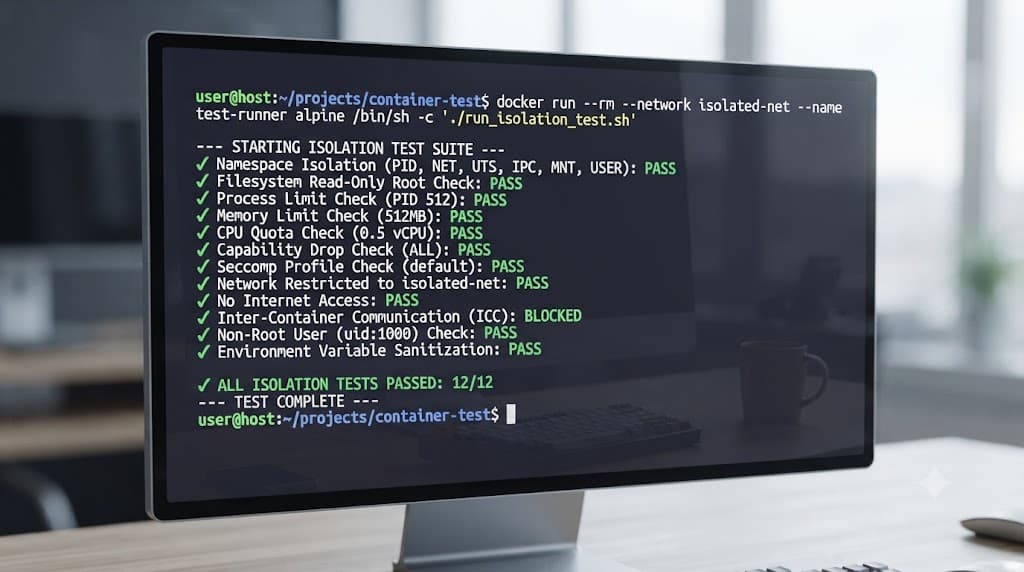
Leveraging container technology for isolation requires an understanding of how runtime engines allocate system boundaries. Docker achieves this through a combination of Linux namespaces, control groups (cgroups), and tailored security profiles that restrict system calls.
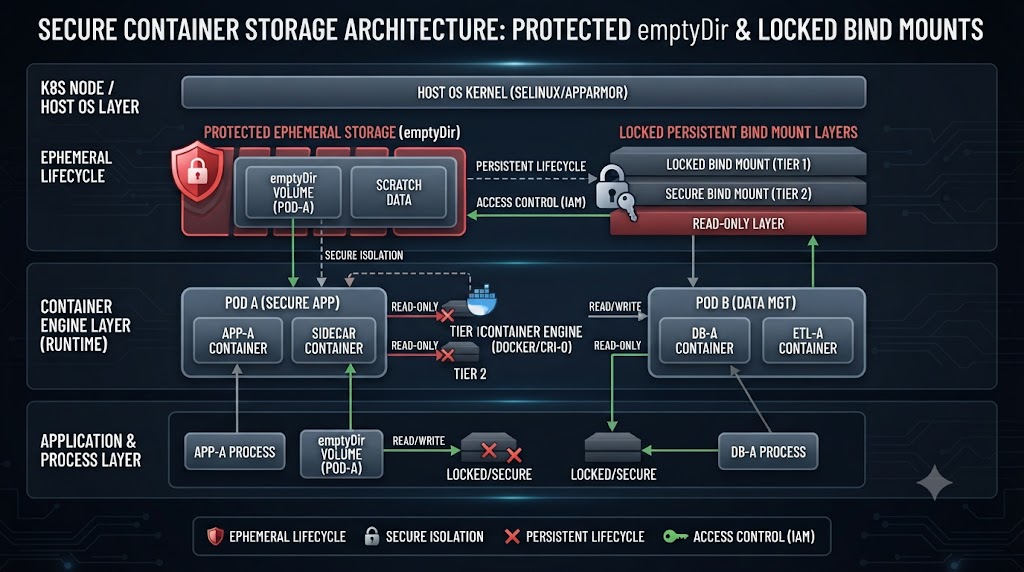
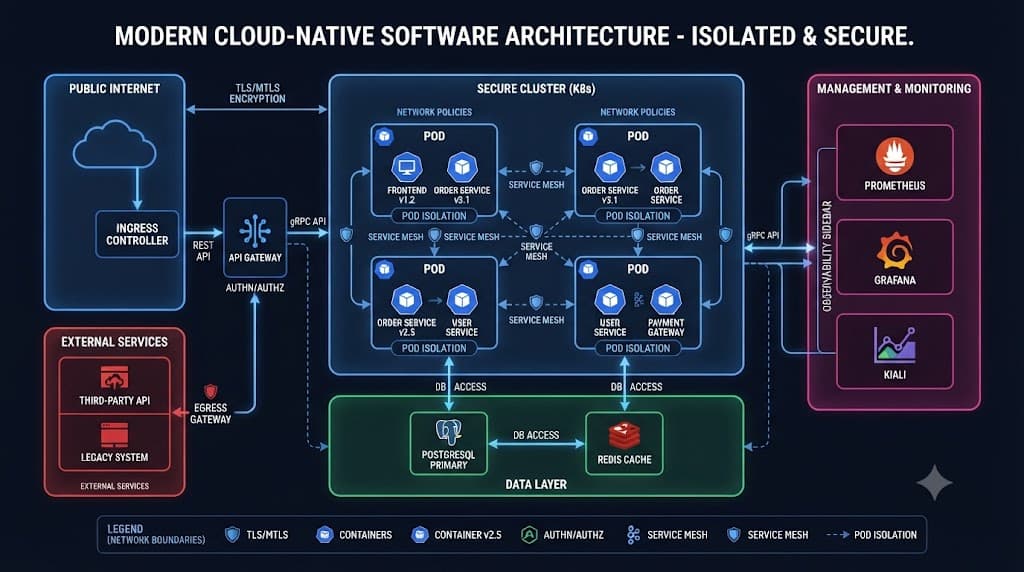
When configuring sandbox environments, platform engineers can explicitly define what network interfaces, storage volumes, and environment variables are accessible. This prevents lateral movement within a multi-container deployment even if an inner service is breached.
✓ Advantages of Docker Sandboxes
- Sub-second container startup times
- Granular CPU and memory caps
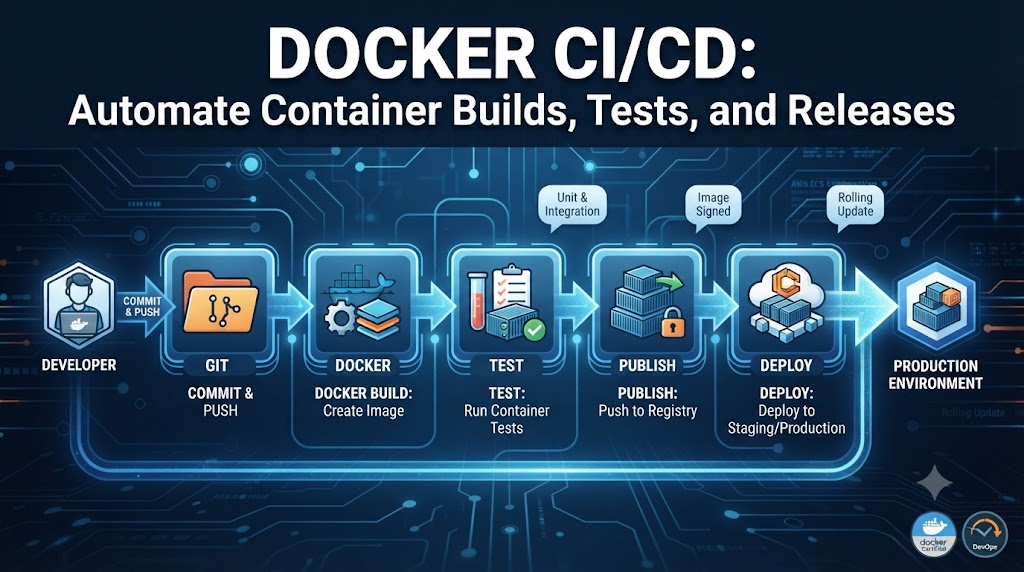
- Seamless integration with CI/CD pipelines
- Robust secrets credential handling
✕ Key Challenges
- Shared host kernel vulnerability risks if misconfigured
- Requires disciplined image vulnerability scanning
- Network bridge configurations can add initial complexity
Handling sensitive data safely inside these environments is another vital consideration. Rather than baking database passwords or cloud credentials directly into image build files—which risks accidental exposure in public registries—engineers utilize secure build-time secrets mounts or runtime secret injection mechanisms. This ensures credentials remain ephemeral and inaccessible to unauthorized processes.
[!WARNING] Security Warning: Never store production private keys or master tokens inside plain environment variables within a Dockerfile, as they can be easily extracted via standard image inspection commands.