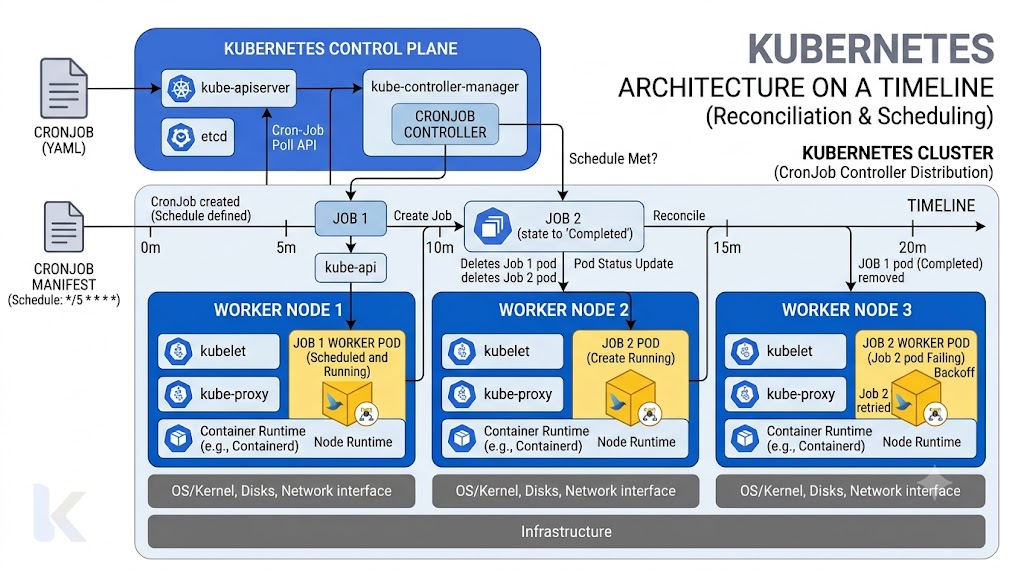
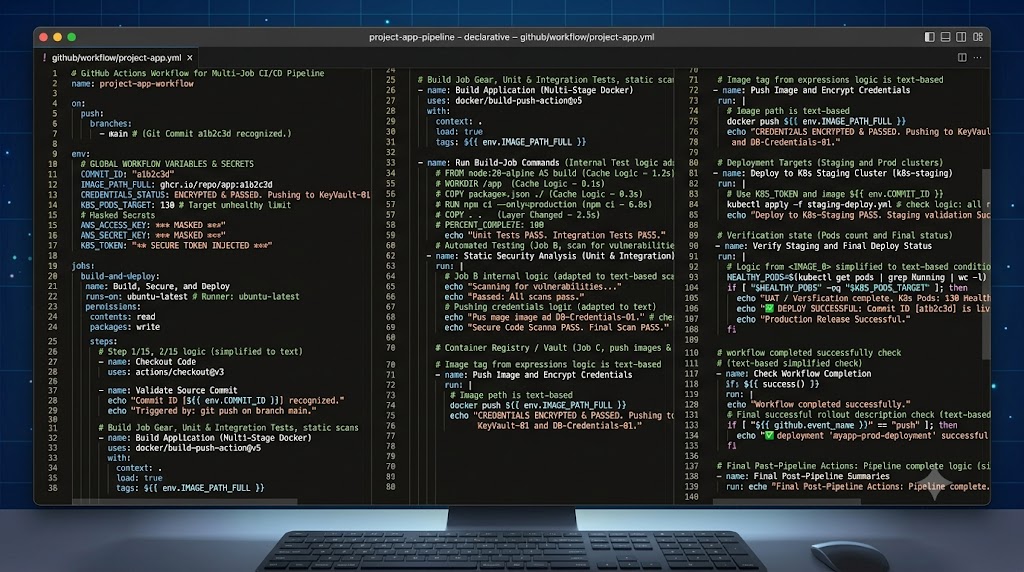
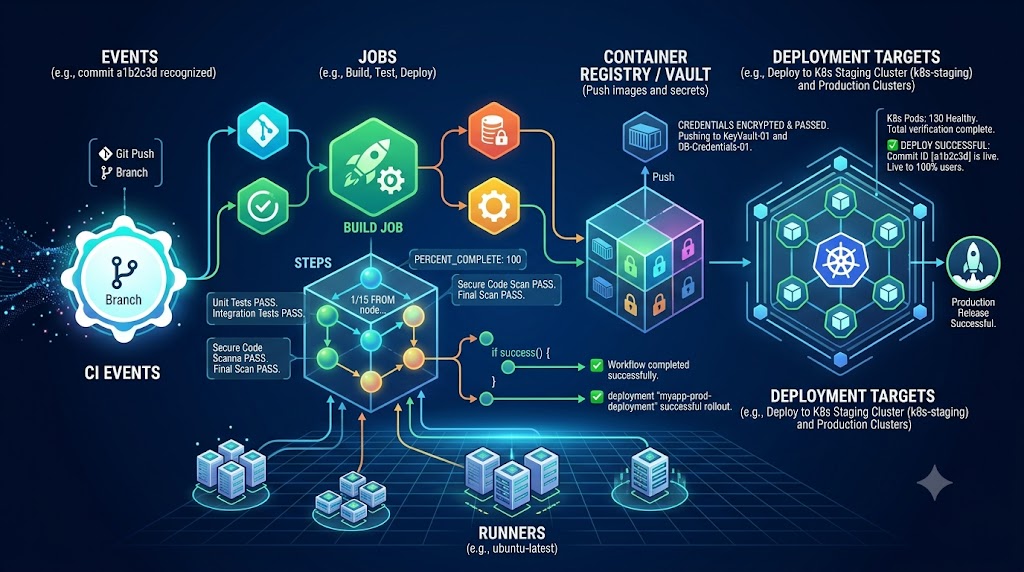
Quick Answer
Moving from interactive, one-off prompts to autonomous, continuous execution is one of the biggest leaps you can make in your daily development and productivity workflows. While sparking an AI to generate a single snippet of code or summarize a single document is immensely useful, it still requires constant human intervention. You have to initiate the session, feed the input, copy the result, and trigger the next step. To truly unlock productivity, you need reliable background execution, repeatable recipes, and scheduled triggers that handle routine operations without human babysitting. This guide explores how to leverage hermes agent automation to build resilient pipelines, configure cron triggers, and run scheduled tasks safely.
Quick Answer: Automating and Scheduling with Hermes Agent
To achieve true hermes agent automation, you need to combine the agent's core capability engine with external schedulers like cron or internal background daemons. By transitioning from interactive command lines to configured background tasks, you enable continuous workflow execution, automated log generation, and asynchronous event handling. The core secret lies in defining clear boundaries between what the agent can execute autonomously and what requires explicit permission.
[!NOTE] Architectural Note: Background execution requires your environment to maintain an active daemon or service runner to spin up the agent context when triggers fire, ensuring session state can be cleanly initialized and torn down.
Manual Prompting vs. Scheduled Workflows
Traditional manual prompting is reactive. You sit at your terminal, formulate a prompt, review the output, and decide what to do next. While this provides maximum control, it scales linearly with your personal time and attention. If a repository needs nightly dependency checks or an inbox needs hourly sorting, doing it manually is tedious and prone to human forgetfulness.
Scheduled workflows, on the other hand, decouple task execution from your immediate presence. By utilizing hermes agent scheduled tasks, the system takes over repetitive, low-context decision-making. However, moving to scheduled runs introduces new challenges: you no longer have an interactive safety net to catch misinterpretations immediately.
✓ Scheduled Workflows
- Operates continuously without human intervention
- Fires reliably via cron or background triggers
- Handles batch processing and large datasets overnight
- Maintains consistent logs and audit trails
✕ Manual Prompting
- Requires constant human presence and triggering
- Prone to delays and human forgetfulness
- Difficult to scale for overnight batch operations
- Lacks standardized automated error recovery
Practical Automation Recipes: Recurring Tasks and Batch Jobs
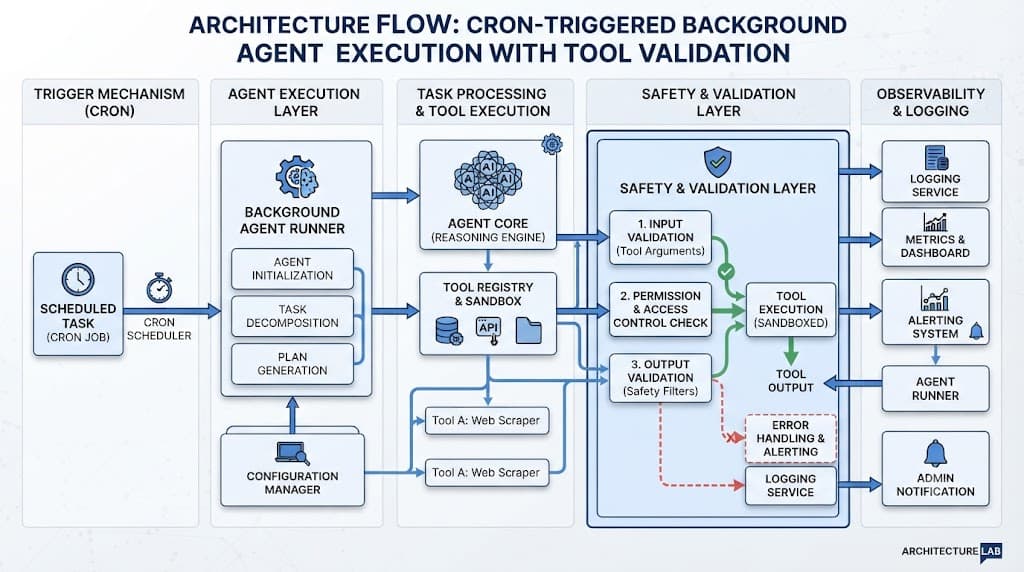
Implementing real-world automation requires moving past simple "hello world" prompts into concrete operational recipes. Whether you are managing log rotations, running nightly code audits, or processing batch data files, having standardized templates ensures reliability.
Below is an example workflow architecture demonstrating how a scheduled event flows into the agent execution layer, performs tool validation, and outputs logs:
When designing hermes agent task automation recipes, structure your instructions into rigid input-output contracts. For example, a batch data processing recipe should specify exact directory paths, allowable file extensions, and explicit output destinations. This prevents the agent from guessing file locations or executing destructive file deletions on incorrect directories.
[!TIP] Pro Tip: Always test your automation recipes in a sandboxed, read-only directory environment before granting write permissions or exposing production file paths to scheduled runs.
Configuring Cron Triggers and Background Execution
Running tasks in the background requires coordinating your operating system's scheduler with the agent executable. By integrating hermes agent cron setups, you can schedule jobs ranging from every few minutes to once a week.
To run background tasks effectively, your cron configuration must point to the absolute path of the Hermes executable, supply the target workflow configuration file, and redirect stdout and stderr to a dedicated log directory for later inspection. A typical crontab entry for a nightly repository health check might look like this:
0 2 * * * /usr/local/bin/hermes-agent run --config /etc/hermes/nightly-audit.yaml >> /var/log/hermes/audit.log 2>&1
Ensuring proper environment variables are loaded is critical because cron runs in a minimal shell environment without your user profile's PATH or API keys loaded by default. Always export required tokens directly inside your wrapper script or crontab file.
Failure Handling, Logging, and Monitoring
When your agent operates autonomously, comprehensive monitoring becomes your primary lifeline. Without live visibility, a failing network call or an invalid tool response could cause your scheduled jobs to loop endlessly or fail silently.
Robust failure handling involves three core pillars:
- Structured Logging: Capture every tool invocation, response code, and generated error message into searchable log files.
- Timeout Enforcements: Prevent runaway agent loops by setting hard execution timeouts on every background job.
- Alerting Hooks: Configure webhook notifications to ping your team's chat platform immediately if an exit code indicates failure.
[!WARNING]
Warning: Never suppress error outputs entirely in your cron redirection rules. If you pipe errors to /dev/null, you will remain completely blind to silent regressions and authentication token expirations.
Safety, Verification, and Guardrails
Automating workflows introduces significant risk if proper guardrails are missing. The most common pitfall is giving an autonomous agent unconstrained tool access—such as shell execution or database write permissions—without a verification layer.
Adhere strictly to the principle of least privilege. If your automated workflow only needs to read logs and summarize text, restrict its tool definitions to read-only capabilities. For consequential actions like deploying code, modifying infrastructure, or sending external emails, configure the agent to pause execution and request explicit human confirmation before proceeding.
By combining strict permission boundaries with rigorous pre-flight checks, you can enjoy the immense time-saving benefits of AI automation while keeping your infrastructure secure and predictable.